Get started
AODE Documentation
Install and run AODE, the self-hosted deployment platform for your own VPS. Deploy from GitHub, GitLab or Bitbucket, manage domains with automatic SSL, run PostgreSQL or MySQL with backups, and monitor Docker services from one panel you own.
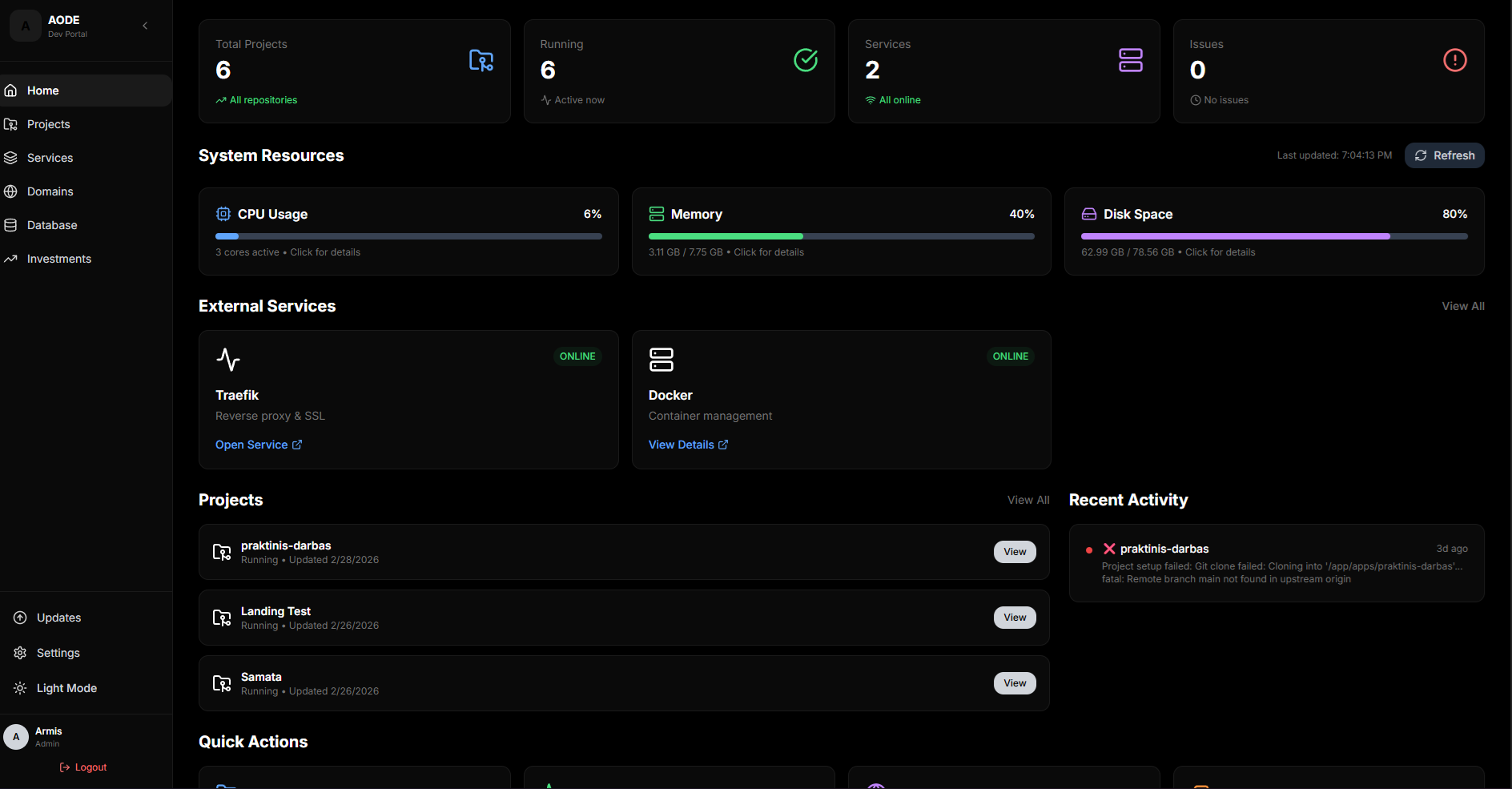
One-Command Install
One command installs the portal, Traefik and the web UI.
Automatic SSL
Certificates issue and renew on their own.
Screenshots
A look at the AODE Control Portal in action: the dashboard, project deployment with live logs, custom domain management, and per-project environment variables.
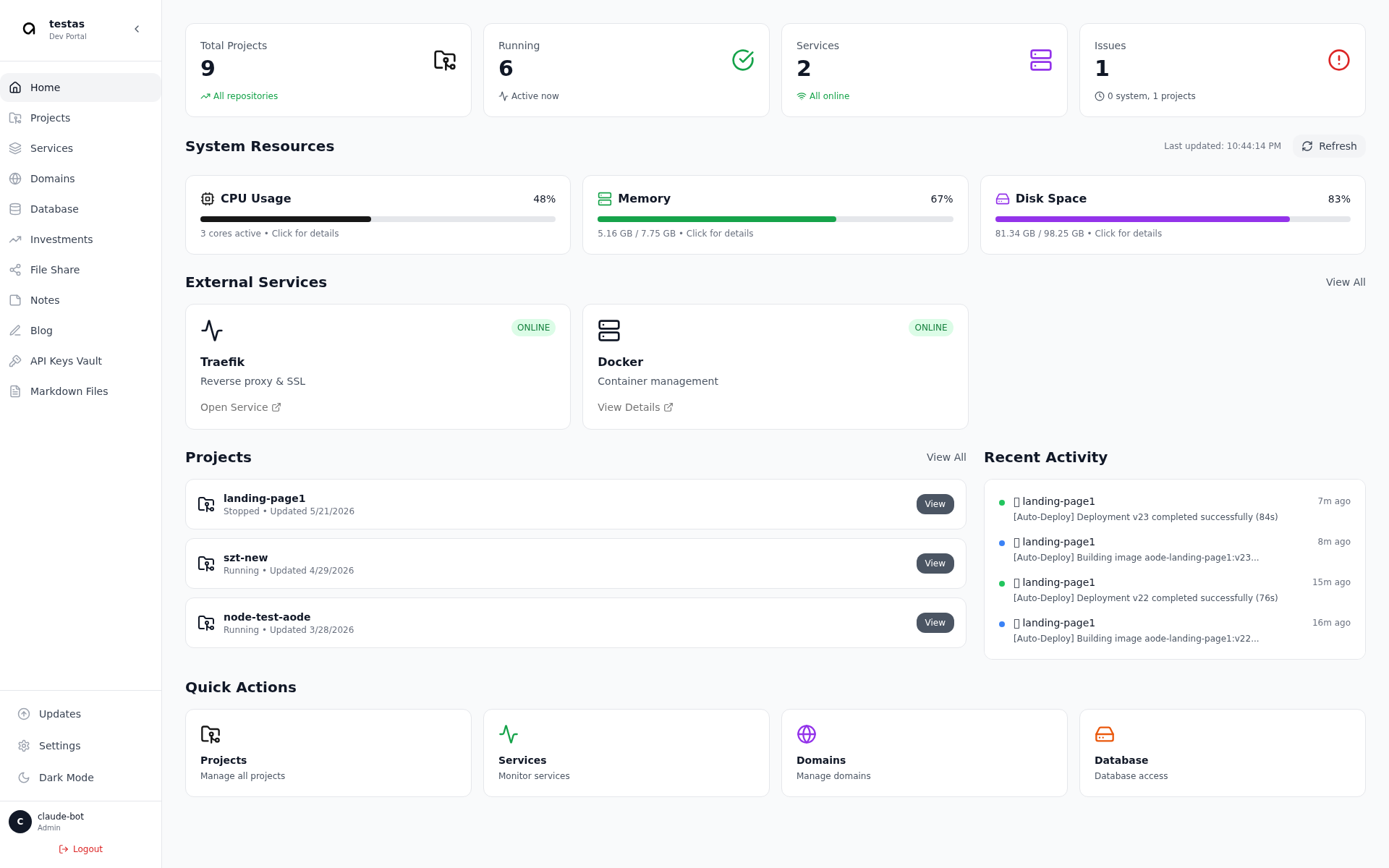
Dashboard
System resources, projects, services, and recent activity at a glance.
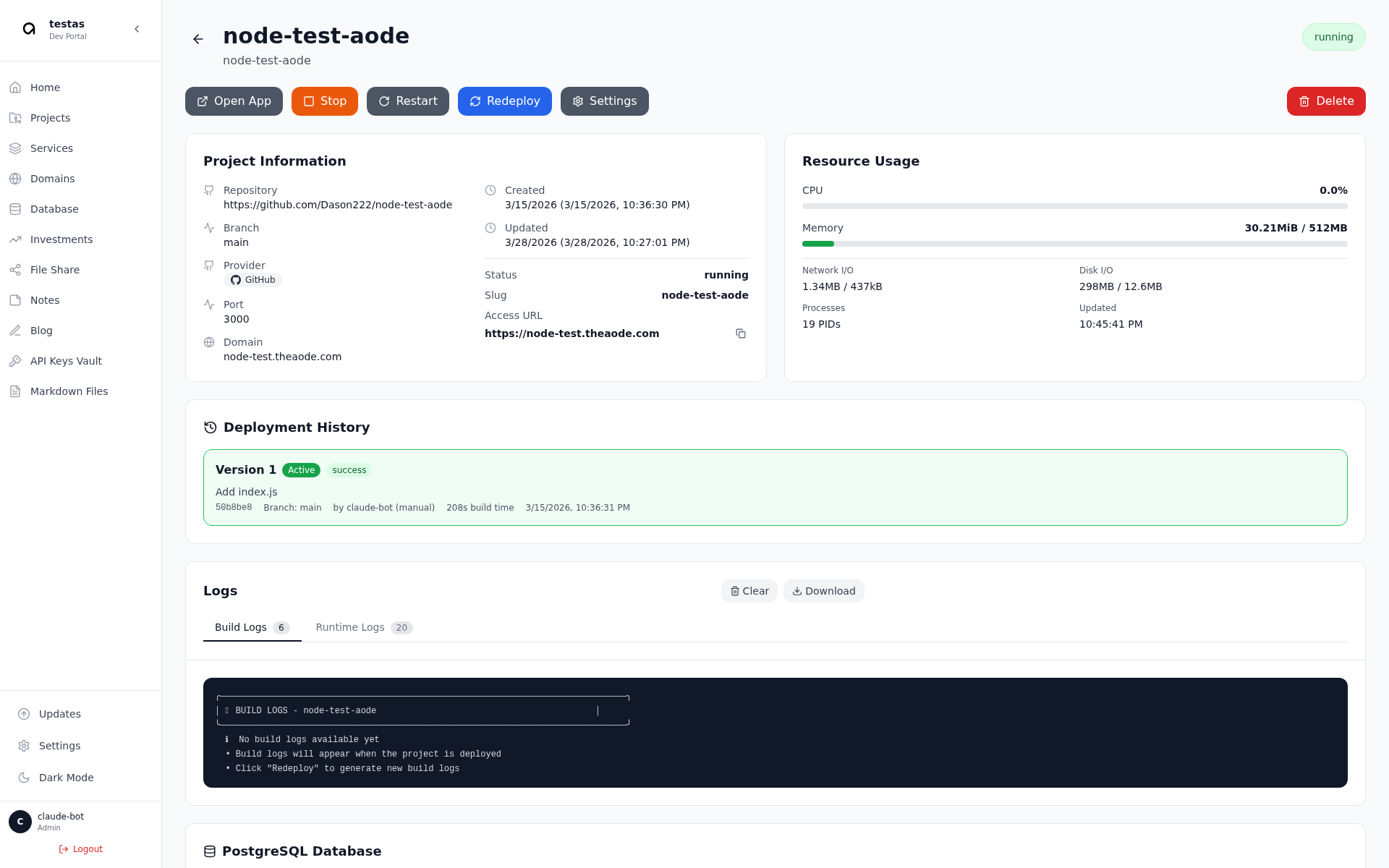
Project & Deployment Logs
Project info, resource usage, deployment history, and build/runtime logs.
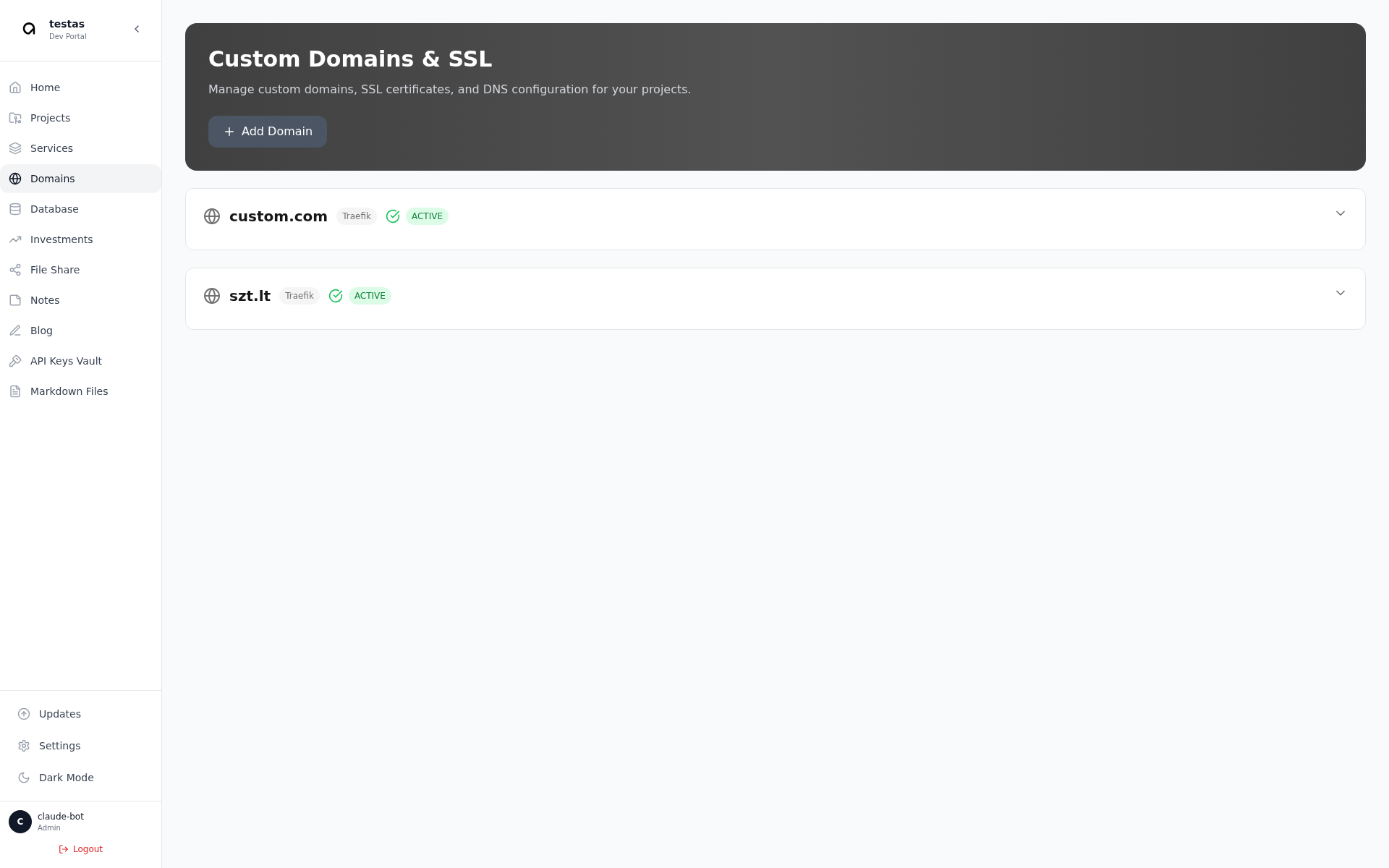
Domain Management
Custom domains with automatic Let's Encrypt SSL via Traefik.
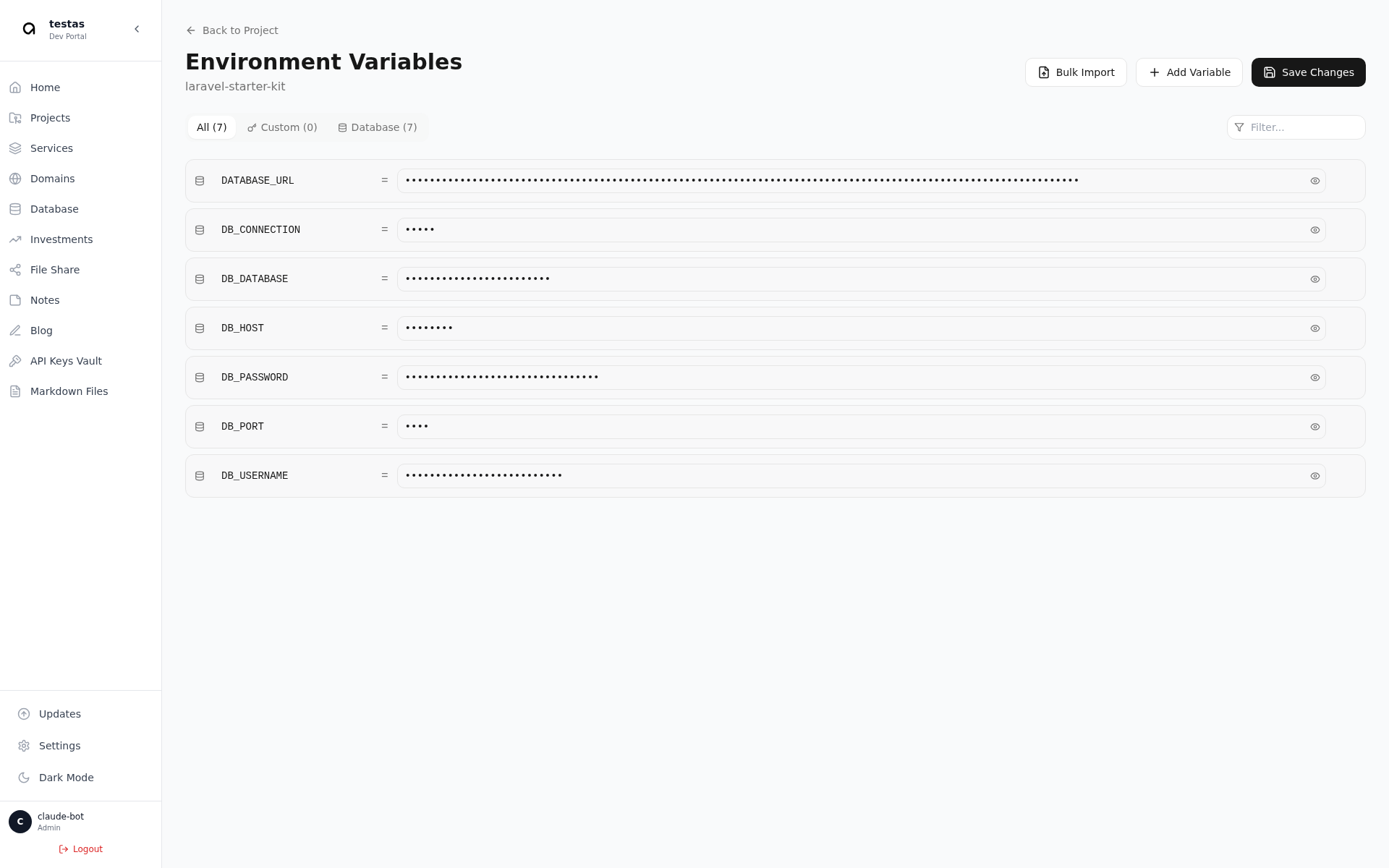
Environment Variables
Per-project env vars, grouped and masked, with bulk import.
Quick Start (One-Command Install)
Prerequisites
- Fresh Ubuntu 20.04+ or Debian 11+ server
- Root or sudo access
- Minimum 4GB RAM and 20GB disk space
- Public IP address
- Domain name with DNS A record pointed to your server
One-Command Installation
curl -fsSL https://install.theaode.com/install-secure.sh | sudo bash -s YOUR-LICENSE-KEYReplace YOUR-LICENSE-KEY with the license key you received after purchase. The installer validates your license, checks system requirements, installs Docker and Docker Compose, installs Node.js 20 and pnpm, downloads the AODE boilerplate package, prompts for configuration (system name, domain, SSL email, admin credentials), generates secure secrets automatically, builds the portal application, configures firewall rules, and starts all services.
Installation takes 5-10 minutes.
What Gets Installed
- Traefik reverse proxy with automatic SSL
- SQLite database
- ClickHouse analytics database
- AODE Portal with management interface
- Log ingestion service
- All running in isolated Docker containers with health checks and automatic restarts
Post-Installation
After installation completes you'll see your portal URL and admin credentials. Make sure your domain DNS is configured correctly. SSL certificates are automatically issued by Let's Encrypt within a few minutes. Access your portal at https://yourdomain.com, log in with your admin credentials, and start deploying applications.